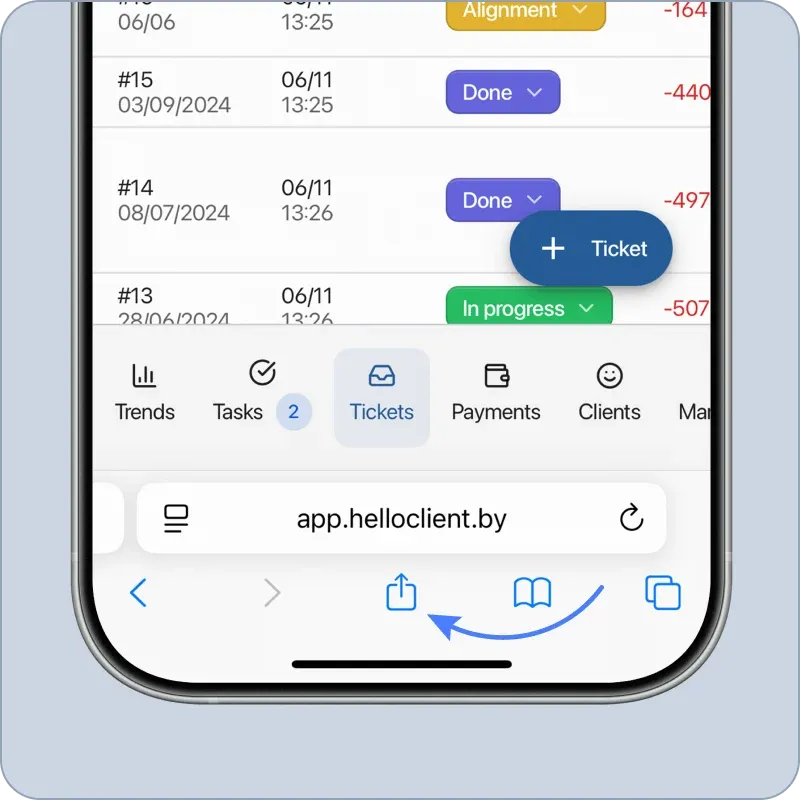
Step 1
- Open HelloClient website in Safari browser
- Log in to your account
- In the menu, tap the "Share" button

Works reliably from anywhere in the world
Step 1
Step 2
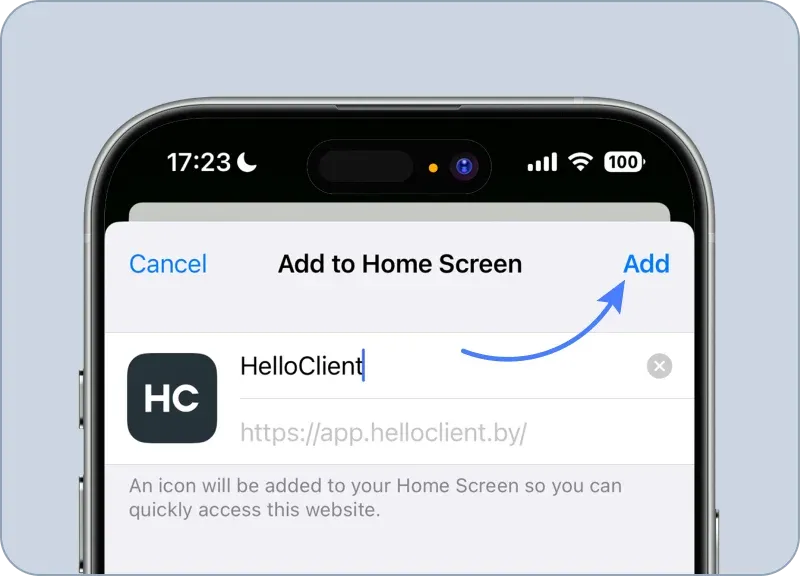
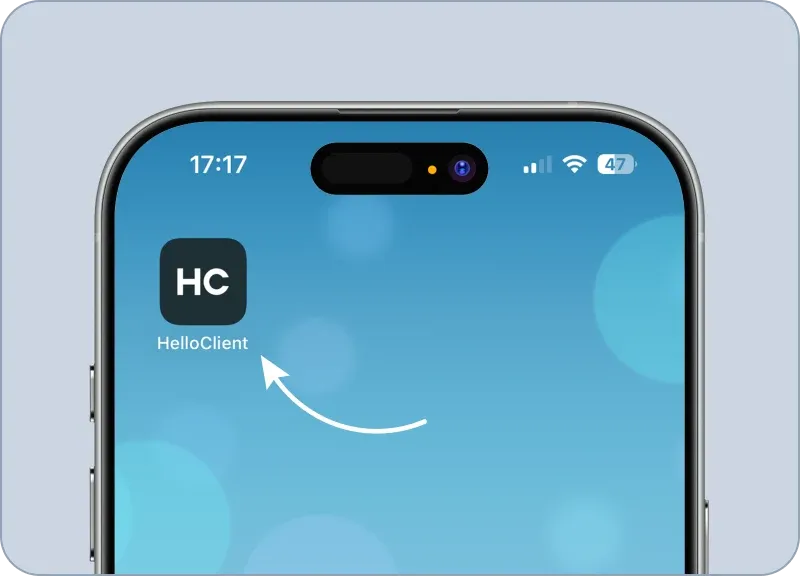
Done!
You have installed the HelloClient web app on your iOS device
Still have questions? We're here to help:
Contact us on What's App
If everything is clear — join us! Register now and start managing your business for free
Product
Features
For Your Business
Get in Touch