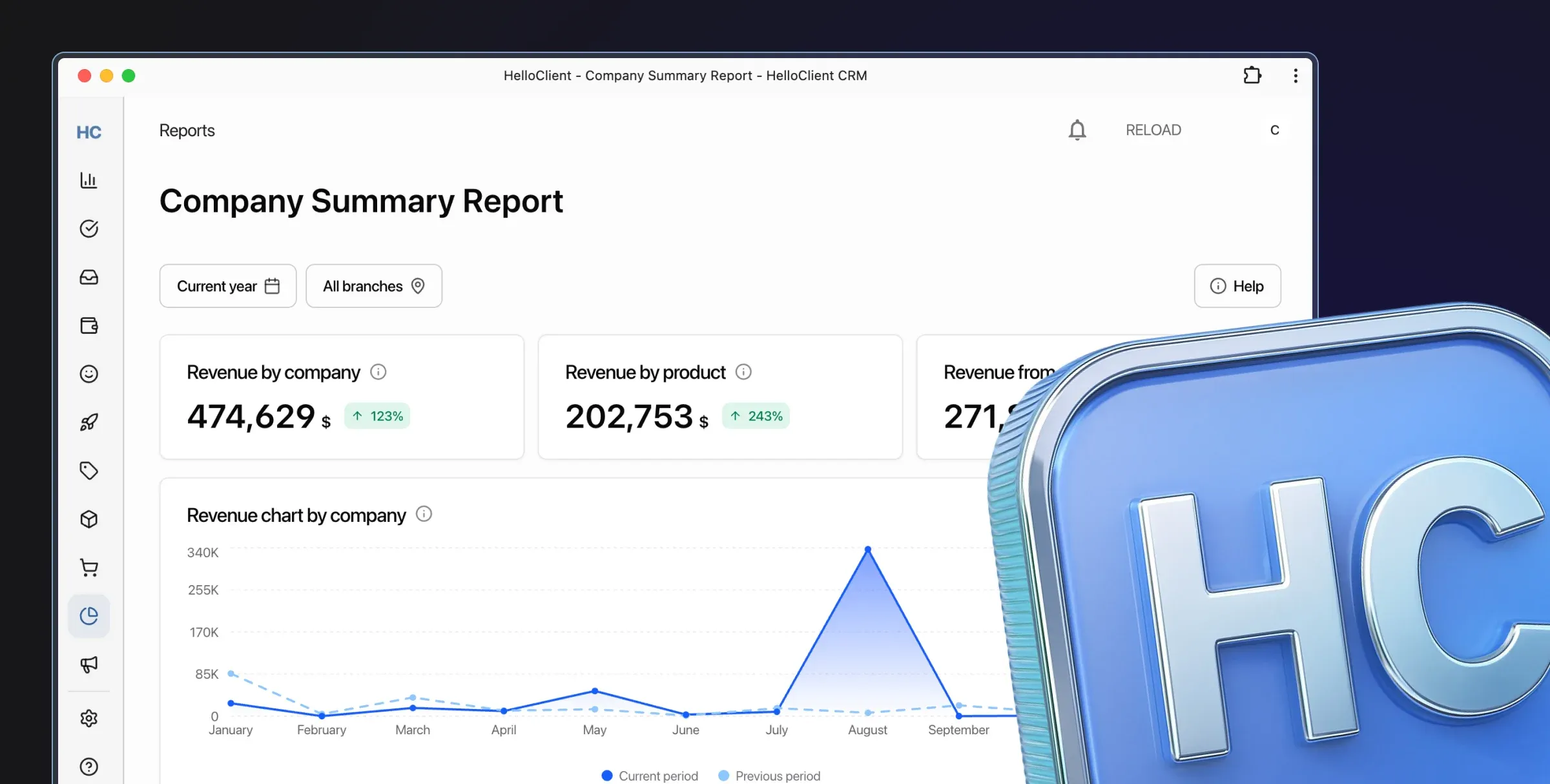
HelloClient - CRM system for service centers

CRM Integration with Other Tools: How to Make Business Processes More Efficient

In today's rapidly changing business environment, companies face the need to optimize their processes. Business CRM systems have long been an essential part of successful businesses, but to enhance their effectiveness, it's crucial to integrate them with other tools. Such integration with various services can significantly simplify employee work, speed up data processing, and increase overall productivity.

In this article, we'll explore how CRM integration and business process automation can significantly improve your service and repair business operations.
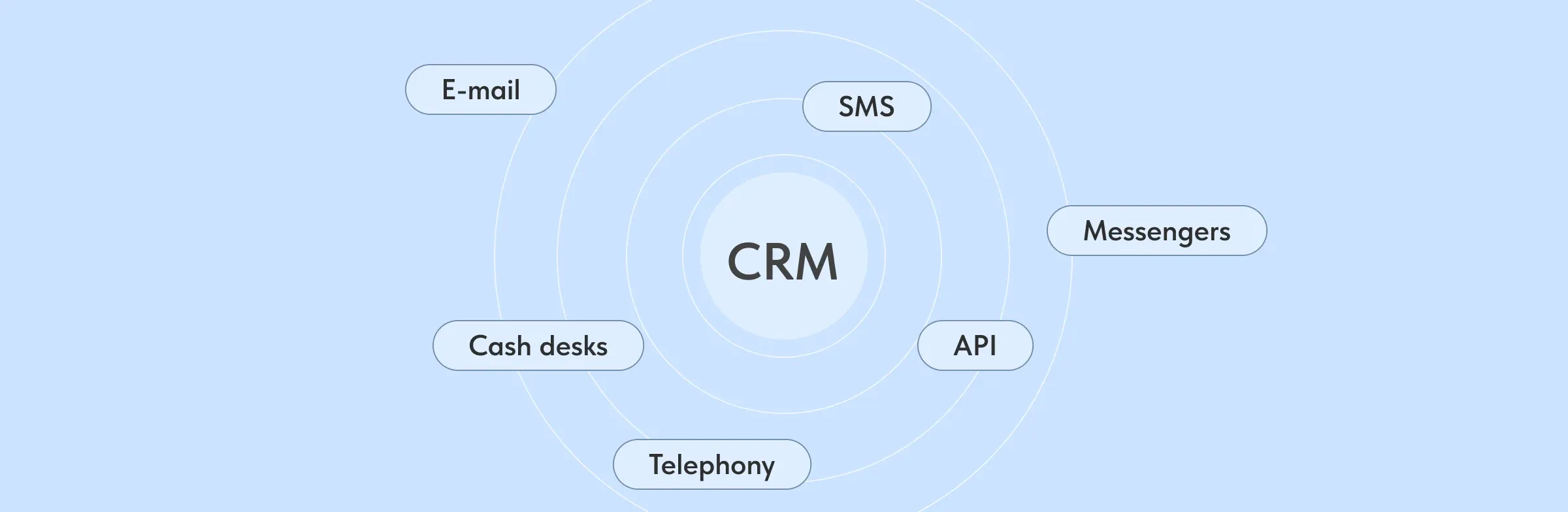
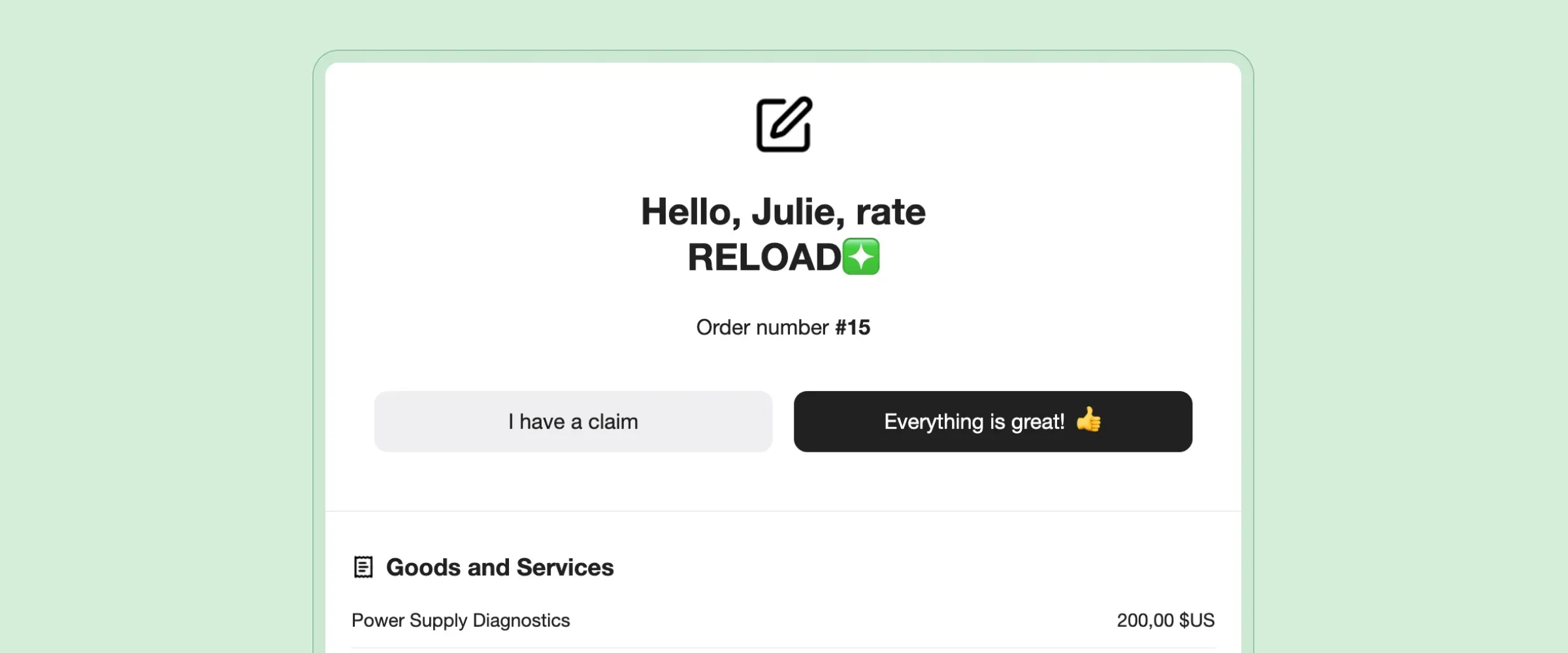
Table of Contents

  • 1. Why Integrate CRM with Other Tools?
  • 2. CRM Integration with Payment Providers and POS Systems
  • 3. CRM Integration with Email
  • 4. CRM Integration with Messengers
  • 5. Using API for Integration with Other Services
  • 6. CRM Integration with Accounting and Bookkeeping Systems
  • 7. HelloClient CRM System is Perfect for Integration with Other Tools

Why Integrate CRM with Other Tools?

CRM integrations, SMS from CRM, calls from CRM, messages from CRM, messenger communications with clients, CRM, CRM system

At first glance, a CRM system might seem like a self-sufficient tool for storing and processing customer data. However, modern businesses need to use multiple different services such as email, messengers, POS systems, online payment services, and more. If these systems aren't integrated, the process of data processing and customer interaction can become cumbersome and multi-tasking, requiring manual data entry from one tool to another.

Integrating CRM with other services allows you to:

  • Reduce routine operations: data from different sources automatically flows into the CRM.

  • Improve data accuracy: less chance of errors from manual data entry.

  • Speed up employee work: integrated services work synchronously, speeding up information processing.

  • Simplify customer service: information from all communication channels is available in one place, helping you respond quickly to inquiries.

Now let's take a closer look at which specific integrations can simplify your business operations.

CRM Integration with Payment Providers and POS Systems

For businesses handling payments, integration with POS systems and payment providers is crucial. When your CRM system integrates with your cash register, all transaction information, payment data, and purchases automatically flow into the system. This helps you track sales and respond quickly to customer inquiries.

Benefits of Integration with POS and Payment Providers

  • Automatic payment registration: every payment processed through the POS or online payment system immediately appears in the CRM.

  • Real-time reporting: all sales and revenue data can be viewed promptly, helping avoid calculation errors.

  • Inventory management: with each payment, the system can automatically update information about product or service availability.

Integration with POS systems and payment providers significantly reduces data processing time and makes business processes more transparent.

CRM Integration with Email

Email notifications to clients, automatic mailing, personalized mailing, CRM, CRM system

How to integrate CRM with email is one of the most useful integrations to set up in any business. Email remains one of the most popular communication channels with customers, and integrating it with CRM simplifies numerous tasks.

Benefits of Email Integration

  • Automatic email synchronization: all incoming and outgoing emails with customers are automatically saved in the CRM, providing a complete communication history.

  • Personalized mailings: CRM can integrate with email services, allowing you to automate promotional mailings, notifications, or reminders.

  • Response analysis: you can track how customers respond to your emails, helping optimize marketing campaigns.

Thus, CRM integration with email not only stores customer communication history but also automates marketing, significantly saving time and resources.

CRM Integration with Messengers

SMS to clients, automatic SMS, SMS mailing, SMS from CRM, CRM, CRM system

Modern customers prefer to communicate with businesses through messengers like WhatsApp, Telegram, Viber, or Facebook Messenger. To work with customers through these channels, it's important to integrate CRM with messengers. This integration helps automate communication and improve customer experience.

Benefits of Messenger Integration

  • Communication automation: with integration, you can set up automatic responses, answers to frequently asked questions, and welcome messages.

  • Instant access to messages: all messages from customers sent through messengers automatically appear in the CRM, ensuring no important contacts are lost.

  • Communication history: all correspondence with the customer is saved in the CRM, helping maintain high service standards and personalize communication.

This integration not only speeds up customer communication but also makes it more convenient and accessible.

Using API for Integration with Other Services

API (Application Programming Interface) is a set of tools for integrating different applications and services. Using API, you can integrate your CRM with any other external tools such as analytics, project management systems, marketing platforms, and internal databases.

Benefits of Using API

  • Integration flexibility: using API, you can integrate CRM with any services your business needs.

  • Real-time data exchange: all customer data and their actions automatically synchronize with other services.

  • Analysis and reporting: integration with analytical platforms allows building detailed reports and analyzing the effectiveness of various business processes.

Using API provides enormous opportunities for customizing your CRM according to business needs and combining all important tools in one place.

CRM Integration with Accounting and Bookkeeping Systems

For small and medium businesses, integration with accounting and bookkeeping systems is important. This integration allows quick transfer of transaction data, products, services, and customer information between CRM and accounting systems.

Benefits of Integration with Accounting Systems

  • Automatic accounting: all information about purchases, payments, and customers immediately synchronizes with the accounting system.

  • Real-time reports: you're always aware of current financial indicators.

  • Fewer errors: automatic data transfer minimizes errors associated with manual entry.

HelloClient CRM System is Perfect for Integration with Other Tools

The HelloClient CRM system offers extensive capabilities for integration with various tools and services. This can significantly improve business process efficiency, speed up data processing, and simplify employee work.

Intuitive interface allows employees to quickly master simple processes like customer management, order tracking, inventory management, and report generation in CRM
  • Integration with services like email, messengers, and SMS providers helps optimize customer interaction, improve accounting, and increase business productivity.

  • In the near future, HelloClient's integration list will be expanded with social networks, payment providers, and API, allowing you to use all the program's capabilities to their full potential.

  • HelloClient is perfect for those who want to increase their competitiveness through automation and integration of business processes.

Success ✨ starts with HelloClient 💙 Launch HelloClient CRM right now and get 14 days of free testing

Start for free

Still have questions? We're here to help:
Contact us on What's App What's App support

If everything is clear — join us! Register now and start managing your business for free