HelloClient - CRM system for service centers

How to Choose a CRM for Small Business: Key Criteria and Common Pitfalls

In today's competitive environment with limited resources, small businesses need to effectively manage customer relationships. One of the most powerful tools for optimizing this process is a CRM system (Customer Relationship Management). However, the wide variety of options available can be overwhelming: how do you choose the right CRM for your small business when budgets are tight and functional requirements are relatively simple?

In this comprehensive guide, we'll break down the essential criteria for choosing a CRM system, highlight common pitfalls to avoid, and help you determine which CRM solution might be the best fit for your specific business needs.

Table of Contents

  • 1. Why Small Businesses Need a CRM System
  • 2. Key Criteria for Choosing a CRM System
  • 3. Common Pitfalls When Choosing a CRM
  • 4. Recommendations for Selection and Implementation
  • 5. How to Find the "Best CRM for Small Business"
  • 6. HelloClient — The Best CRM System for Small Business

Why Small Businesses Need a CRM

Unified customer database, sales automation, business performance analysis, CRM, CRM system

The main purpose of a CRM system is to consolidate all customer information in one place and streamline how you work with it. It helps:

  • Maintain a unified customer database:

    No more searching through notebooks and spreadsheets for contact information.

  • Automate sales processes:

    Track deals, create sales pipelines, and monitor lead statuses efficiently.

  • Analyze business performance:

    Identify where customers get stuck in your process and determine which actions generate the highest profits.

For small businesses, CRM is particularly crucial because even the loss of a single customer can significantly impact overall revenue.

Key Criteria for Choosing a CRM System

With limited budgets and smaller operational scales, small businesses should prioritize accessibility, simplicity, and essential functionality. Below are the key criteria for selecting a CRM system that will help you make the right purchasing decision.

CRM selection criteria, cost and pricing, user interface simplicity, integrations, essential functionality, CRM, CRM system

Cost and Pricing Model

Small companies typically can't afford to invest in large, complex systems. The focus should be on either free solutions with basic functionality or affordable subscription plans with monthly payments. It's crucial to understand exactly what features are included in the free or budget plans. Sometimes, you might discover that productive work requires options only available in more expensive tiers.

User Interface Simplicity

Complex interfaces and excessive features only hinder small teams. The fewer unnecessary buttons and bulky modules, the faster your employees will master the system. Look for a CRM where most functions are intuitive from the first encounter, and training new employees doesn't take much time.

Essential Integrations

Small businesses often already use familiar tools: email services, messengers, social media. When choosing a CRM, verify that it supports integrations with solutions that are important to you. For example, email integration allows you to track correspondence directly in customer profiles, while messenger synchronization ensures quick communication.

Minimal but Sufficient Feature Set

Many CRMs offer extensive capabilities - from financial reporting to inventory management. However, for a small company, basic functionality is more relevant: maintaining customer databases, tracking deals, setting up sales pipelines, reminders for important events, and simple analytics. It's essential to clearly understand what tasks the system should solve for your specific business type and avoid overpaying for unnecessary modules.

Scalability

Small businesses can grow, and as your customer base expands, you'll need additional CRM capabilities. When selecting a system, pay attention to how easy it is to upgrade from basic to advanced plans, add new modules, or incorporate additional features.

Common Pitfalls When Choosing a CRM

How to choose CRM? Common mistakes, CRM implementation in business, trial period, CRM, CRM system

When selecting a CRM system, many businesses encounter similar challenges that can derail their implementation success. Being aware of these common pitfalls can help you make a more informed decision.

Hidden Costs

Some CRM providers attract customers with low monthly prices, only to reveal later that essential features require additional payments. Many systems that seem affordable initially end up costing significantly more once you need advanced capabilities. Always clarify exactly what's included in your chosen plan and what requires extra purchases.

Implementation Complexity

Even the best CRM for small business becomes useless if implementation is too lengthy or requires dedicated IT staff. Look for systems with clear user documentation, comprehensive training materials, and responsive customer support to ensure smooth adoption.

Feature Overload

Many business owners choose CRM systems with dozens of modules they'll never use, often chasing trendy features. The result is unnecessary expenses and workflow complexity. Small businesses should focus on identifying and implementing only the features they actually need.

Lack of Trial Period

Before committing to a paid version, thoroughly test the system in real-world conditions. A free trial period allows you to verify whether the CRM actually solves your business problems and whether your team finds it user-friendly.

Recommendations for Selection and Implementation

Define Your Priority Tasks

Before reviewing demos and comparison charts, clearly document what specific processes you want to automate. For example: organizing potential client lists, tracking interaction history, setting up call reminders, or managing service requests.

Create a Shortlist of Solutions

Research the market and select 2-3 CRM systems that meet your criteria. Don't spread yourself too thin - the more thoroughly you evaluate each specific solution, the easier your final decision will be.

Test the System Thoroughly

If a demo version or free trial is available, make full use of it. Try to perform all the key operations you'll encounter in your actual workflow to assess the system's suitability.

Research Reviews and Seek Advice

Read implementation stories from similar-sized companies in your industry. Sometimes, peer experiences provide more valuable insights than official vendor descriptions.

Train Your Team Effectively

Ensure your entire team understands how to use the new system. If any employees struggle with the interface, it can lead to incorrect data entry or loss of customer information, undermining the CRM's value.

How to Find the "Best CRM for Small Business"

There's no perfect CRM system that fits absolutely everyone. However, by focusing on your specific needs and carefully evaluating CRM selection criteria, you can find the solution that best helps your business grow and retain customers.

  • Focus on affordable pricing plans that fit your budget.

  • Verify the interface is user-friendly and simple to navigate.

  • Ensure the functionality meets your current needs while being easily expandable as your business grows.

  • Don't overlook the quality of customer support and availability of training resources.

Remember that choosing a CRM for small business primarily involves defining the goals and tasks you want to accomplish: optimizing sales, improving customer interactions, gaining insights from deal analytics, and managing contacts. If your budget is limited, look for services with free basic versions or affordable subscription plans. The main objective for small companies is to avoid overpaying for features they'll never use while still obtaining a reliable tool that genuinely simplifies daily operations.

Choose your solution thoughtfully, based on your current business priorities, and don't hesitate to ask about trial period options. This approach not only helps you save money but also ensures the selected CRM system truly fits your needs. With the right approach, it will become your reliable assistant, helping you maintain organized data, build closer customer relationships, and increase sales without excessive effort or expense.

HelloClient — The Best CRM System for Small Business

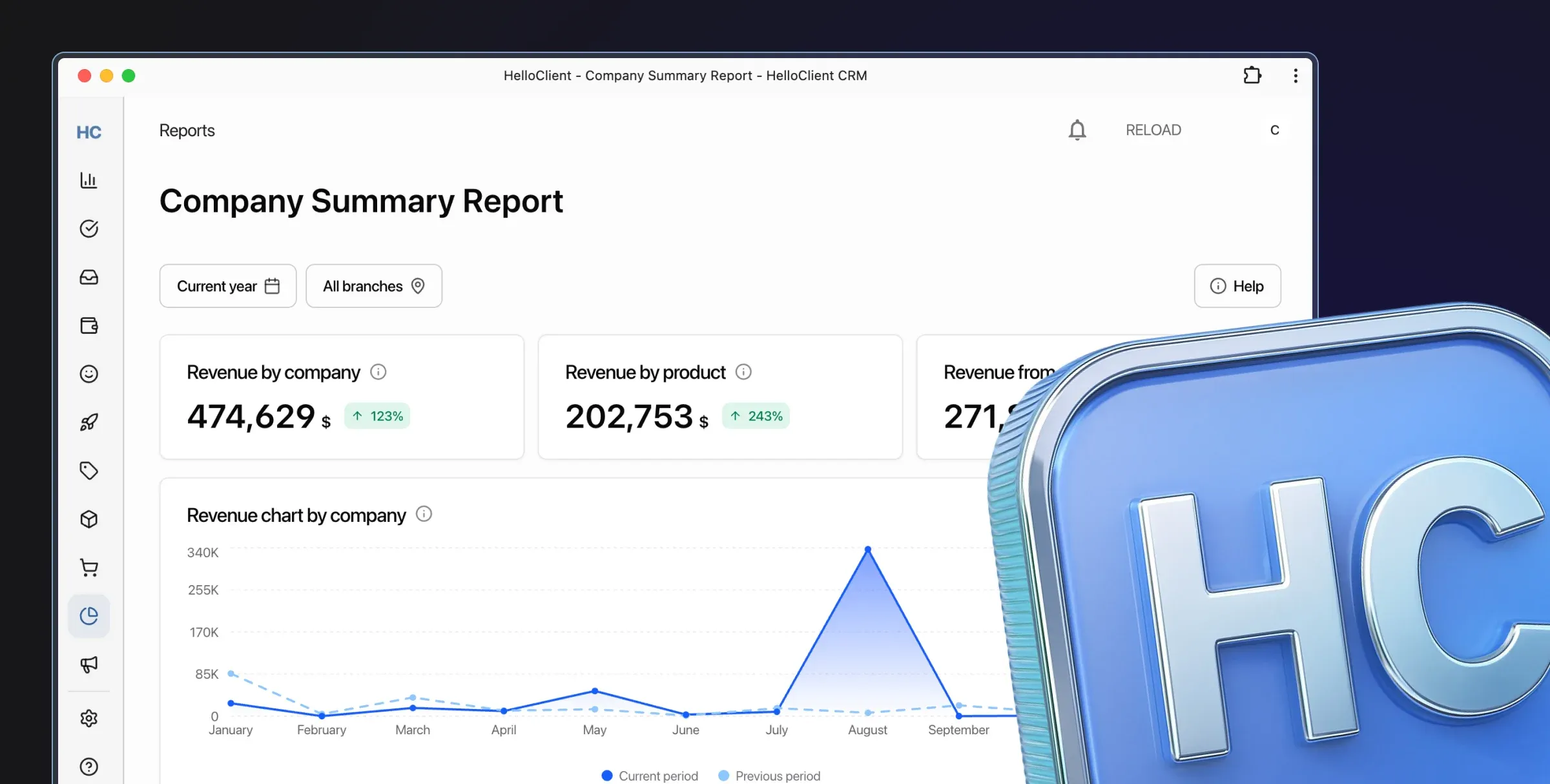
Intuitive interface allows employees to quickly master simple processes like customer management, order tracking, inventory management, and report generation in CRM

Based on the key points discussed in this article, the HelloClient CRM system optimally addresses the needs of small businesses.

  • First, it offers affordable pricing and flexible payment models, allowing entrepreneurs with limited budgets to avoid excessive expenses.

  • Second, the HelloClient interface is simple and intuitive, meaning employee training takes minimal time. Meanwhile, the system includes exactly the features most needed by small companies: customer database management, deal tracking, sales pipeline configuration, and basic analytics.

  • Equally important, HelloClient supports integration with popular messengers and email services. This provides a convenient way to maintain customer communication without additional costs. With any subscription plan, you get full access to all HelloClient features without limitations.

Thus, HelloClient covers all essential needs of small enterprises: simplicity, accessibility, necessary functionality, and potential scalability. All this makes this CRM one of the most attractive solutions for small companies seeking to optimize customer relationship management.

Success ✨ starts with HelloClient 💙 Launch HelloClient CRM right now and get 14 days of free testing

Start for free

Still have questions? We're here to help:
Contact us on What's App What's App support

If everything is clear — join us! Register now and start managing your business for free